
One system. Configured for your operation.
You aren't buying a template but a setup for your own case: a fixed terminal at the entrance, a handheld terminal in the field or a PIN at the bar. Underneath it is always the same record, the same report and the same compliance with the Croatian Ordinance on working-hours records (NN 55/2024).
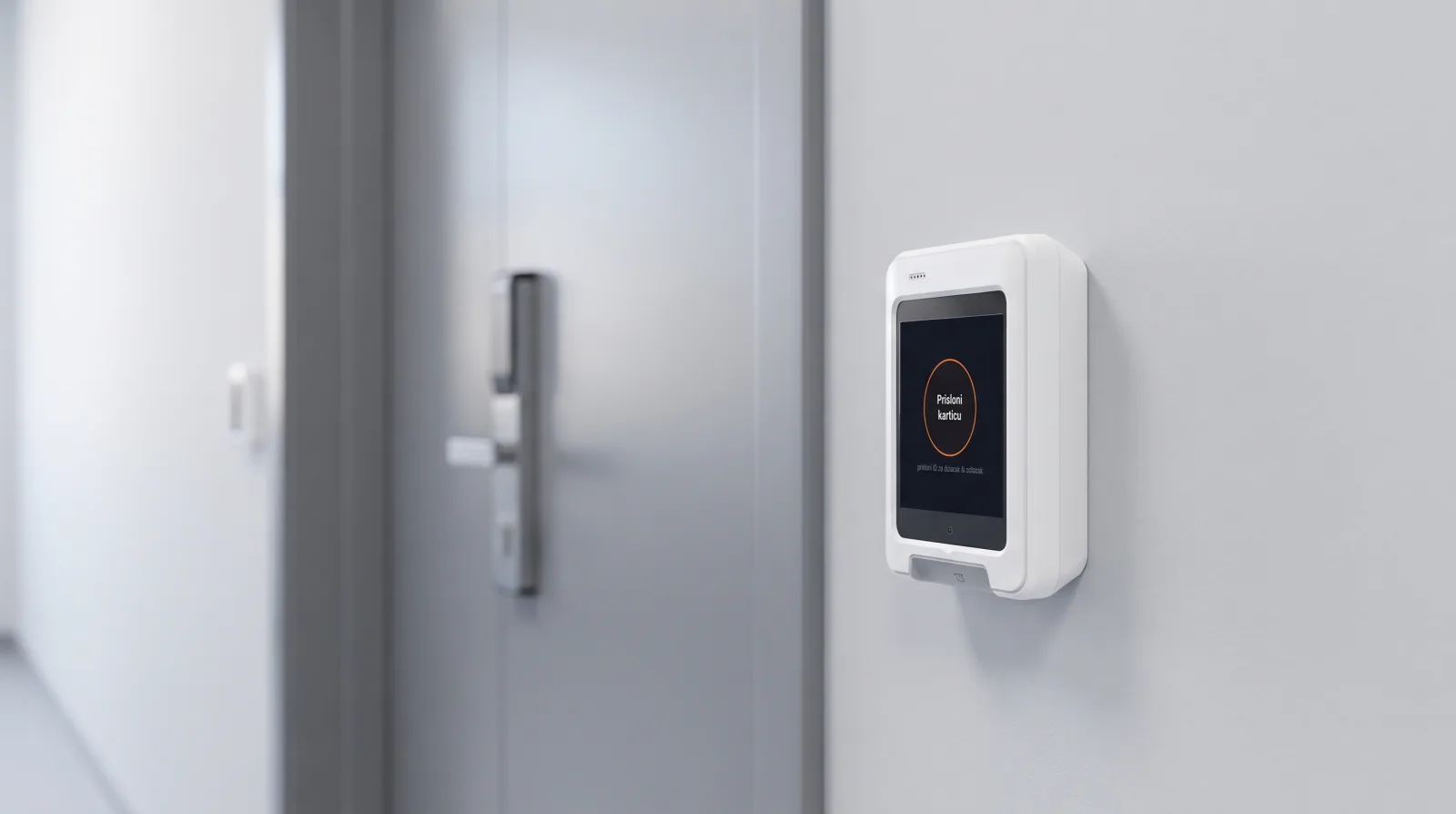 Fixed terminal · on the shop-floor wall
A card at the entrance, hours add up on their own
Shifts and night work: people clock in with a card, then someone copies the hours out by hand at month-end.
- Records at the source. A card on the terminal logs arrival and departure, with no paper and no after-the-fact entry.
- Pay premiums automatically. Night work, overtime on the weekly quota, public holidays and Sundays are calculated from each worker's schedule.
- Workers see their own hours. On their phone, the same day, fewer questions in the office.
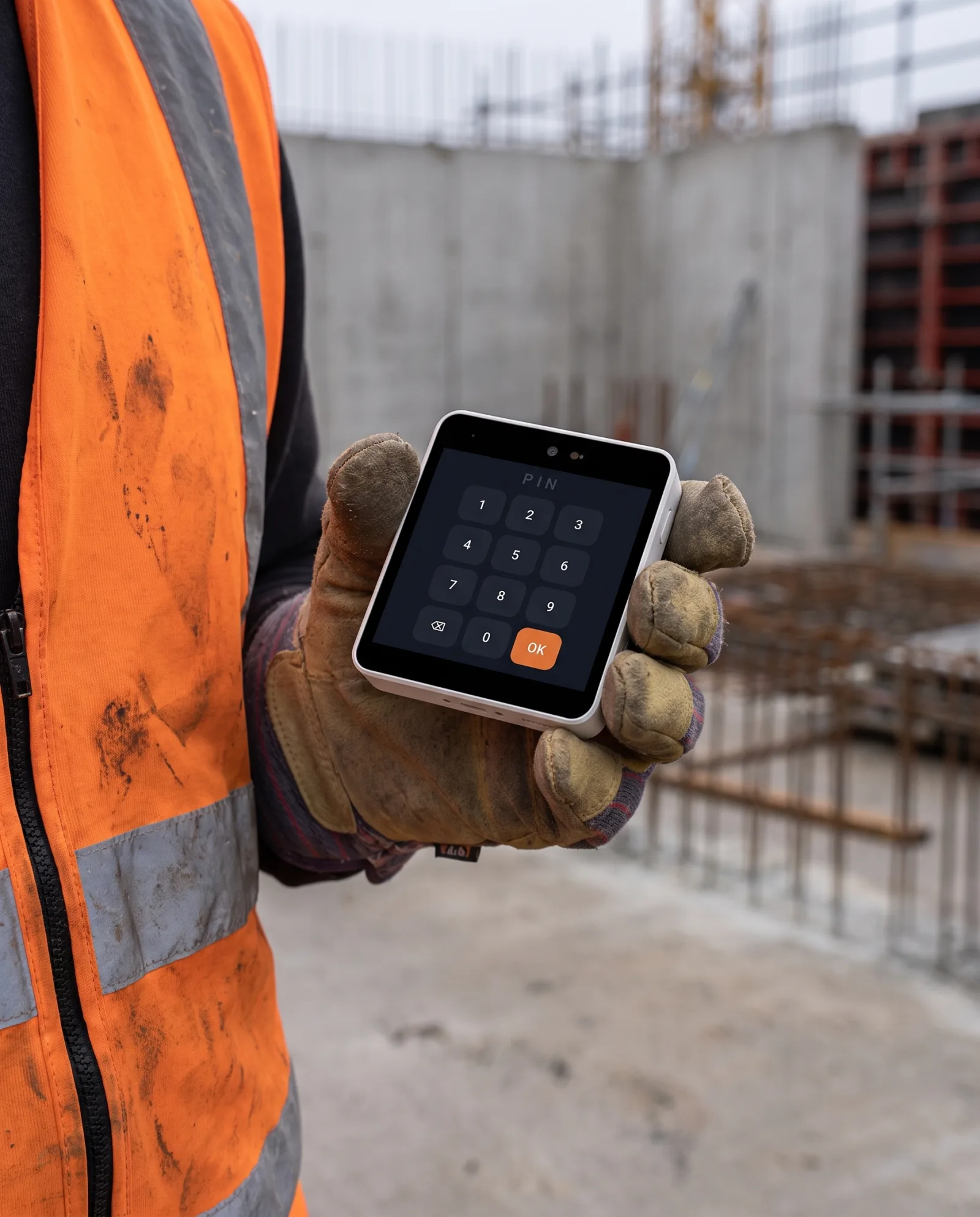 Handheld terminal · field
Works even where there's no connection
People across several construction sites, where the connection is weak or missing entirely.
- Works offline. The terminal stores records locally and syncs them as soon as the connection returns.
- Geofence per site. Clock-in is tied to the location, with a GPS record, and the mobile terminal recognises which site it is on by itself.
- Built for the field. IP65 and IK10 enclosure, operating range −20 °C to +70 °C.
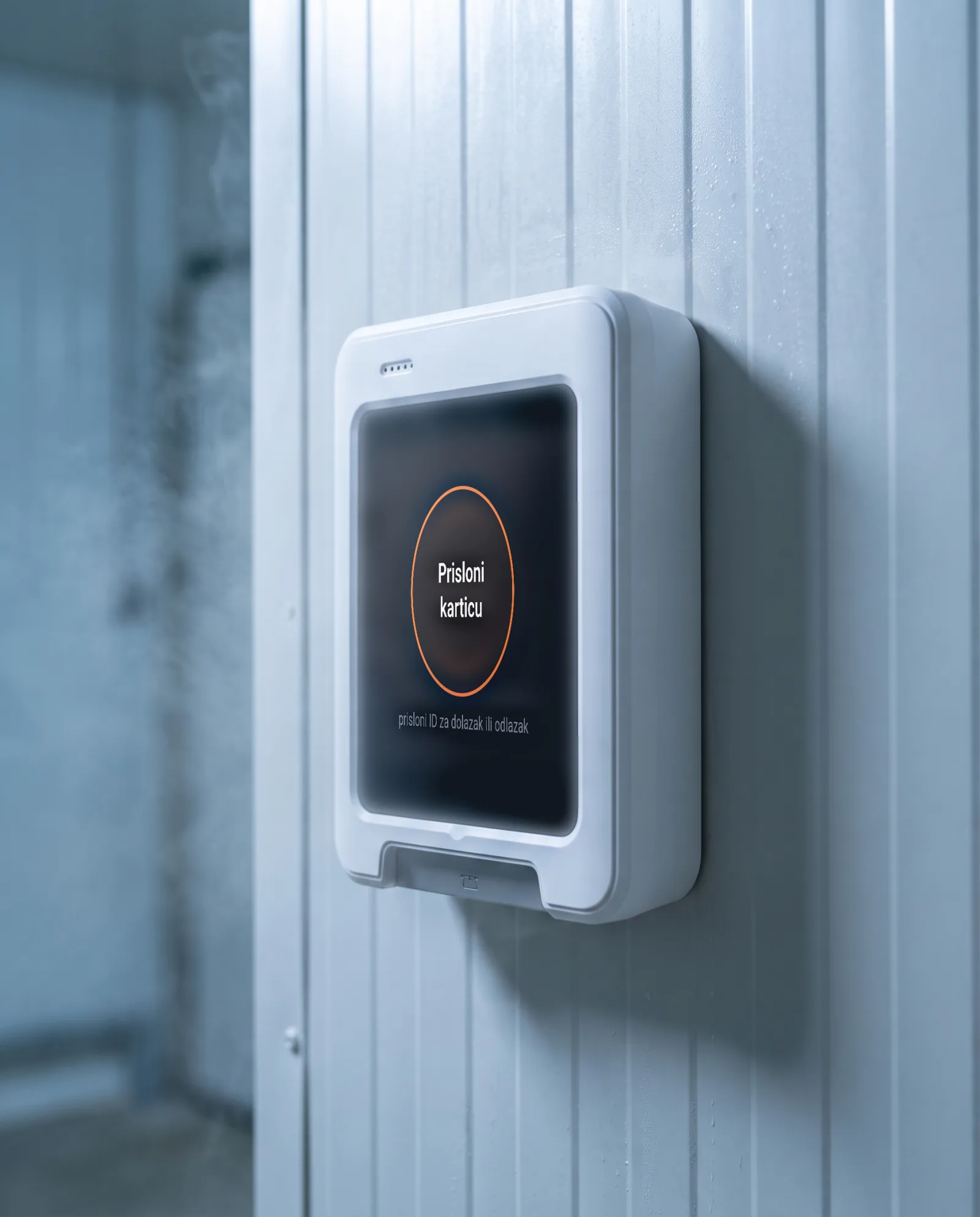 IP65 · IK10 · −20 °C~70 °C
An enclosure that withstands the conditions
Cold, dust and rough handling: ordinary devices don't survive here.
- IP65, IK10, −20 °C to +70 °C. Confirmed by the manufacturer's datasheet.
- No constant connection needed. Works offline and syncs when it reconnects.
- The same records. The same entries and the same report as in the rest of the company.
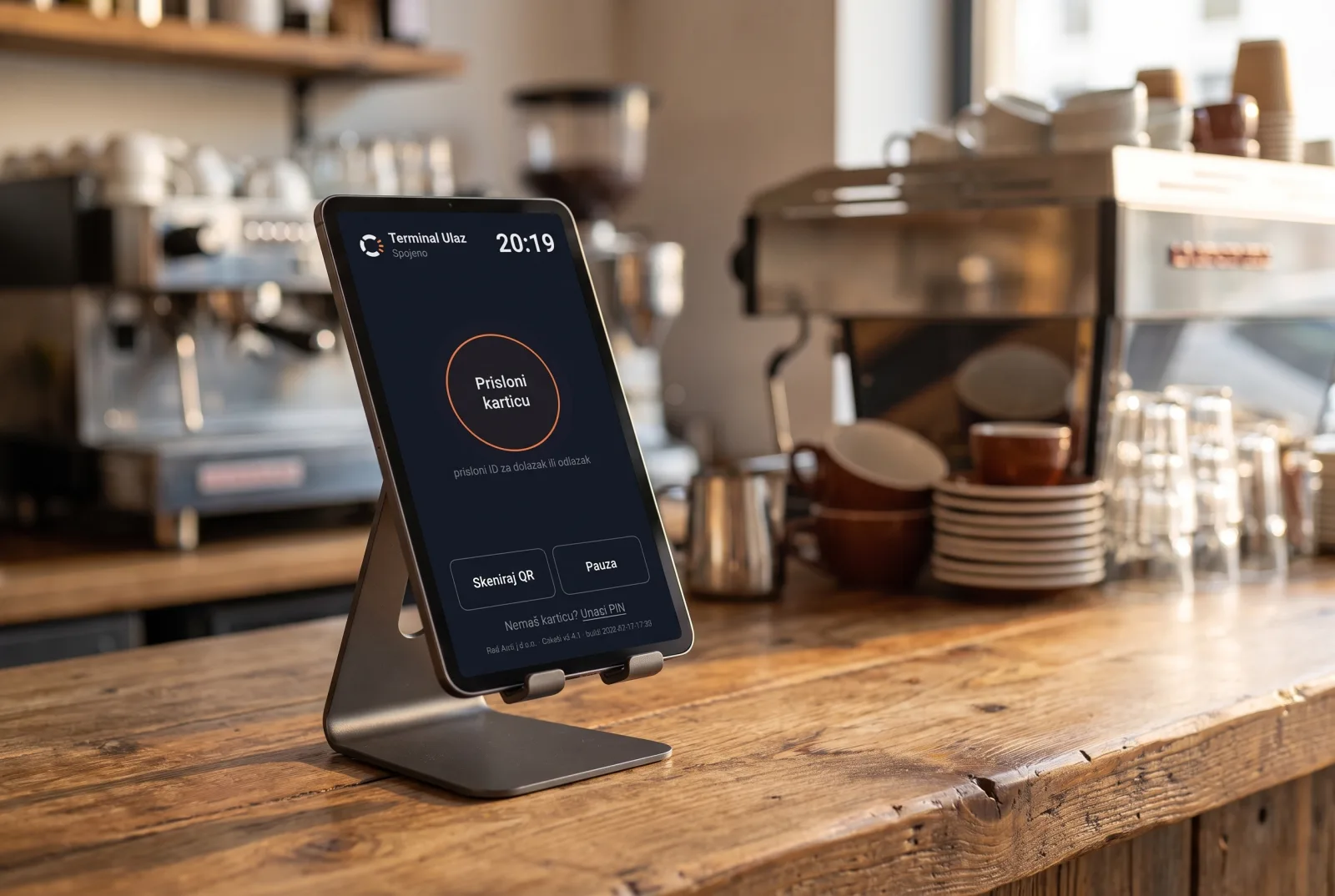 Tablet kiosk · bar
A PIN at the bar, no training
High turnover, seasonal staff and students, odd hours scattered across shifts.
- Clock in with a PIN. In a few seconds, with no card and no training.
- Shifts automatically. Night hours and premiums add up from the schedule.
- Start right away. On a tablet you already have; add a dedicated terminal when you decide to.
Same logic, different setup
Multiple locations, short shifts or people on the move: the system adapts, while the records and the report stay the same.
Hotels & tourism
Multiple departments and properties, seasonal peaks, night shifts.
Terminal at the entrance · handheld across floorsNight work is calculated automatically, and every department is tracked in one place.
View scenario →Retail
Multiple stores, shifts, Sundays and public holidays.
A terminal per store · handheld for walkthroughsSunday and public-holiday premiums on their own, the same records for every store.
View scenario →Field & service
People on the move, with no fixed entrance and no internet.
Handheld terminal · clock-in with locationWorks offline, with a GPS record of each worker's arrival and departure.
View scenario →Office
Administrative work, flexible hours, working from home.
No hardware · phone or webClock in from a computer or phone, the same records and the same report as on a terminal.
View scenario →Agriculture & forestry
Seasonal workers outdoors, plots and forest work sites with no signal.
Handheld terminal offline · clock-in with locationWorks offline, with a GPS record and a geofence per work site.
View scenario →Already have terminals? We connect to them.
Cuketi also works as "software only". We connect to your existing time-and-attendance terminals (primarily Anviz, others on request) through a small connector on your computer or server, over an outbound HTTPS connection. With no device replacement and no change to workers' habits, clock-ins flow automatically into the same records and reports under NN 55/2024. Your existing terminals, our terminals and the mobile app can all work together.
Different setup, the same records
Holds up to inspection
Records are append-only, with an edit trail and a PDF under Article 13 of the Ordinance. History can't be quietly rewritten.
Flags problems itself
A missing clock-out, work outside the schedule or outside the location: the system marks it as an anomaly and notifies the manager.
Ready for payroll
Regular hours, overtime, night work, public holidays and Sundays are already calculated and ready for payroll.
Two months of free trial, with no obligation.
Have a question?
Get in touch and we'll reply as soon as we can. For a quick start you don't need to ask: you open a trial account yourself.
We use your details solely to answer this enquiry. We do not pass them on to third parties.