
Blog › Construction sites & field
Construction sites & fieldWorking-hours records on construction sites and in the field: how to keep them without an office or internet
People across multiple locations, without a fixed office and often without a signal. Paper gets lost, spreadsheets are re-copied, and the inspector arrives with the Ordinance in hand. Here is how to keep field records tidy and ready for inspection.
Why the field is the hardest place to keep records
Office rules do not apply on construction sites and in the field. Workers are at several locations at once, often without a company phone or computer, the connection can be weak or missing entirely, and alongside your own workers there are subcontractors. In such conditions, records on paper or in a spreadsheet quickly become inaccurate, and re-copying them near the end of the month leaves room for errors.
What the Ordinance requires, regardless of conditions
Working conditions do not change the legal obligation. The Croatian Ordinance on working-hours records (NN 55/2024) requires that, for every worker, you record the start and end of working hours every day, overtime and night work, breaks and rest periods, and the reasons for every absence. On top of that, the Croatian Labour Act is clear: if an employer does not keep records in the prescribed way, in the event of a dispute the burden of proving working hours falls on the employer.
Clock-in at the source, even without internet
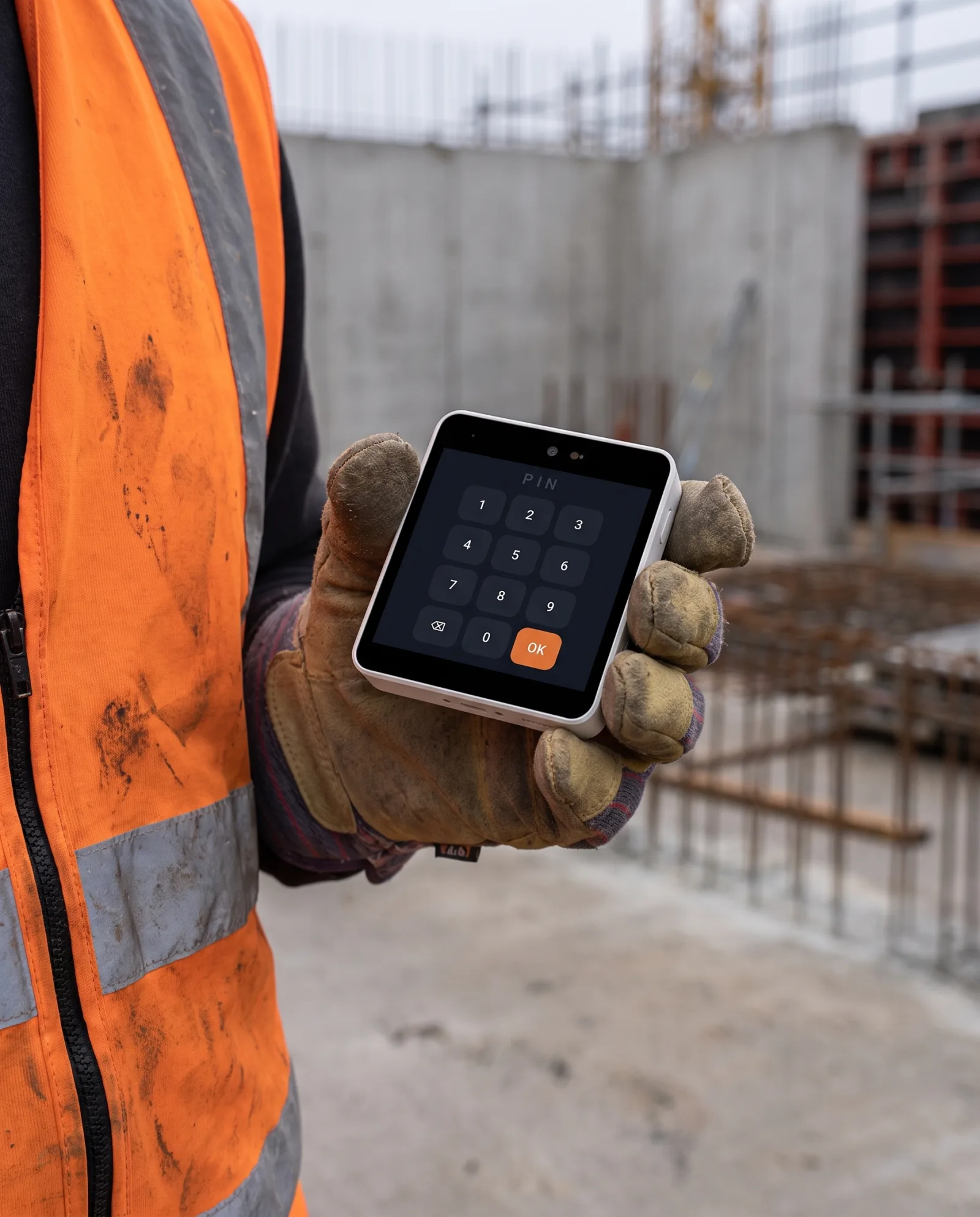
The solution for the field is not another spreadsheet, but a record created right at the entrance, at the moment of arrival and departure. The manager carries a handheld terminal that works offline too: records are stored locally and sync as soon as the connection returns. For smaller crews, a worker can also clock in from their own phone, within the location radius.
Geofence: clock-in tied to the construction site
For a clock-in to be credible, it is tied to the location. Geofence means a clock-in works only within the set radius of the construction site, and every clock-in and clock-out records a GPS log. When you work across several sites, the mobile terminal recognises on its own which one it is at.
Equipment that withstands the field
A device on a construction site has to handle dust, moisture, impacts and cold. A dedicated terminal has a rugged enclosure (IP65, IK10, operating range from −20 °C to +70 °C) and a battery for the whole shift, so it works where an ordinary phone would not.
Ready for inspection
All clock-ins build into a record that cannot be quietly rewritten: entries are append-only, with an audit trail, and the report is exported as a PDF under Article 13 of the Ordinance. If something is off, a clock-out is missing or a clock-in is outside the location, the system flags it as an anomaly and notifies the manager.
For a detailed setup for a construction site, with recommended devices and prices, see the page Working-hours records on construction sites. To read more about the direction the government is also mandating, see the article The government introduces electronic working-hours records.
Note: this text is informational. Legal obligations are defined by Ordinance NN 55/2024 and the Croatian Labour Act.
Field records that withstand the site and the inspection.
Handheld terminal offline, geofence and GPS log, or clock-in from a device you already have. The same system works at all your locations.